Your Professional Smart Board for Teaching Supplier
Founded in 2019, WaterDrop Smart Technology Co., Ltd. is a high-tech enterprise integrating hardware R&D, software design, intelligent manufacturing, and solution integration. At Swaydeen, we cultivate an environment that sparks innovation through collaboration. Our team is a dynamic blend of curious minds, pioneers, and dreamers who bring bold ideas and embrace diversity.
-
![Touch Screen Board for Teaching]() Touch Screen Board for TeachingResolution: 3840(H)×2160(V)view more
Touch Screen Board for TeachingResolution: 3840(H)×2160(V)view more
Brightness: 350cd/m2
Viewing Angles (V/H): 178°/178°
Response Time: 8ms
Backlight: DLED -
![Electronic Whiteboard for Teaching]() Electronic Whiteboard for TeachingResolution: 3840(H)×2160(V)view more
Electronic Whiteboard for TeachingResolution: 3840(H)×2160(V)view more
Brightness: 350cd/m2
Viewing Angles (V/H): 178°/178°
Response Time: 8ms
Backlight: DLED -
![Education Interactive Whiteboard]() Education Interactive WhiteboardResolution: 3840(H)×2160(V)view more
Education Interactive WhiteboardResolution: 3840(H)×2160(V)view more
Brightness: 350cd/m2
Viewing Angles (V/H): 178°/178°
Response Time: 8ms
Backlight: DLED -
![Smart Digital Board for Teaching]() Smart Digital Board for TeachingResolution: 3840(H)×2160(V)view more
Smart Digital Board for TeachingResolution: 3840(H)×2160(V)view more
Brightness: 350cd/m2
Viewing Angles (V/H): 178°/178°
Response Time: 8ms
Backlight: DLED -
![Interactive Whiteboard for Teaching]() Interactive Whiteboard for TeachingResolution: 3840(H)×2160(V)view more
Interactive Whiteboard for TeachingResolution: 3840(H)×2160(V)view more
Brightness: 350cd/m2
Viewing Angles (V/H): 178°/178°
Response Time: 8ms
Backlight: DLED


Why Choose Us
Integrated R&D And Manufacturing
The company integrates hardware R&D, software design, intelligent manufacturing, and solution integration, enabling it to quickly respond to customer needs and provide efficient and reliable overall solutions.
User Experience First
Adhering to the "user experience first" philosophy, the company continuously optimizes product performance and interaction design to ensure stable and user-friendly intelligent display terminals that meet diverse application scenarios.
Large-Scale Production Capacity
With an intelligent manufacturing base of over 80,000 square meters and an annual production capacity of over 500,000 units, the company provides stable supply capabilities and high-quality product assurance to global customers.
Advantages of Smart Board for Teaching
Make learning more interesting for school students
The advantages of smart boards in schools are multifaceted, with one notable benefit being their capacity to make learning more captivating and engaging for students. Smart boards transcend traditional teaching methods by incorporating interactive and dynamic features that stimulate students’ interest and participation in the learning process.
Multimodal Learning with Smart Boards in Schools
Among the many advantages of smart boards in schools is the ability to support multimodal learning possibilities. Smart boards provide a more immersive learning environment for students by combining hands-on, visual, and sound inputs, in contrast to traditional teaching approaches.
Centralised Resource Hub for Teachers
Smartboards provide educators with a centralized hub for a vast array of resources, including textbooks, videos, simulations, tests, projects, and more. With a single license, teachers gain access to a comprehensive library spanning all subjects and classes.
Intelligent Features
One of the significant advantages of smart boards in schools is the enhancement of the teaching-learning experience through intelligent features. Unlike traditional blackboards that often necessitate frequent erasing, smart boards offer a touch-based interface, eliminating the constant need for erasing.
Advanced classroom management skills
Another advantage of smart boards in schools is that they play a crucial role in improving teachers’ classroom management skills. Teachers’ reports are easily tracked through this system. For example, what the teacher taught last week is recorded on the smart board, allowing educators to maintain continuous awareness of the covered material.
Centralized Monitoring
Centralized monitoring is undeniably one of the most important advantages of smart boards in schools. The reports generated through the utilization of smart boards provide valuable insights for school administration.
Specification
|
Resolution |
3840*2160 4K |
|
Language |
Multilingual |
|
Color |
Black/Grey |
|
Aspect Ratio |
‘16:9 |
|
Panel Type |
WLED |
|
Screen Size |
55/65/7585/86/98 inch |
|
Camera |
48M |
|
Microphone |
8-Array Microphone |
|
Speaker |
2*15 W |
|
Writing method |
Pen/Finger touch |
|
Customization |
Appearance, Silk Printing, Startup Logo, Packaging |
|
Operating system |
Android 13/Android 14+Win10/11 Optional |
|
Touch Points |
Android 20 Touch Points, Windows 40 Touch Points |
|
Application |
Business. Education.Training.Office. Security |
|
Language |
Multilingual |

Interactive Whiteboards with Front Projection: The projector is placed in front of the whiteboard, projecting the image onto the surface. This is the most common type of smart board.
Interactive Whiteboards with Rear Projection: The projector is placed behind the whiteboard, projecting the image through the surface. This setup eliminates shadows and glare but requires more space.
Interactive Flat Panel Displays (IFPDs): These are large touch-screen displays that combine the functionality of a smart board and a projector into a single unit. They offer higher image quality and eliminate the need for calibration.
Key Features of Smart Board for Teaching
Touch Technology
Look for responsive and accurate touch technology, such as infrared or optical touch.
Multi-Touch Capability
This allows multiple users to interact with the board simultaneously, enhancing collaboration.
Software Features
Evaluate the included software for its functionality, ease of use, and compatibility with your existing curriculum.
Resolution and Image Quality
Choose a smart board with high resolution and good image quality for clear and vibrant presentations.
Durability and Build Quality
Ensure the smart board is built to withstand the rigors of classroom use.
Connectivity Options
Check for various connectivity options, such as HDMI, USB, and wireless connectivity.
Interactive Whiteboard: A large touch-sensitive display surface.
Projector: Projects the computer’s image onto the whiteboard surface.
Computer: Provides the digital content and software for the interactive whiteboard.
Software: Enables interactive features, such as annotation, drawing, multimedia playback, and internet browsing.

Uses of Smart Board for Teaching
Digital Note-Taking and Saving Content
Teachers can write on the board during lessons and save the notes or content digitally. This can then be distributed to students via email or other digital platforms.
Interactive Problem Solving
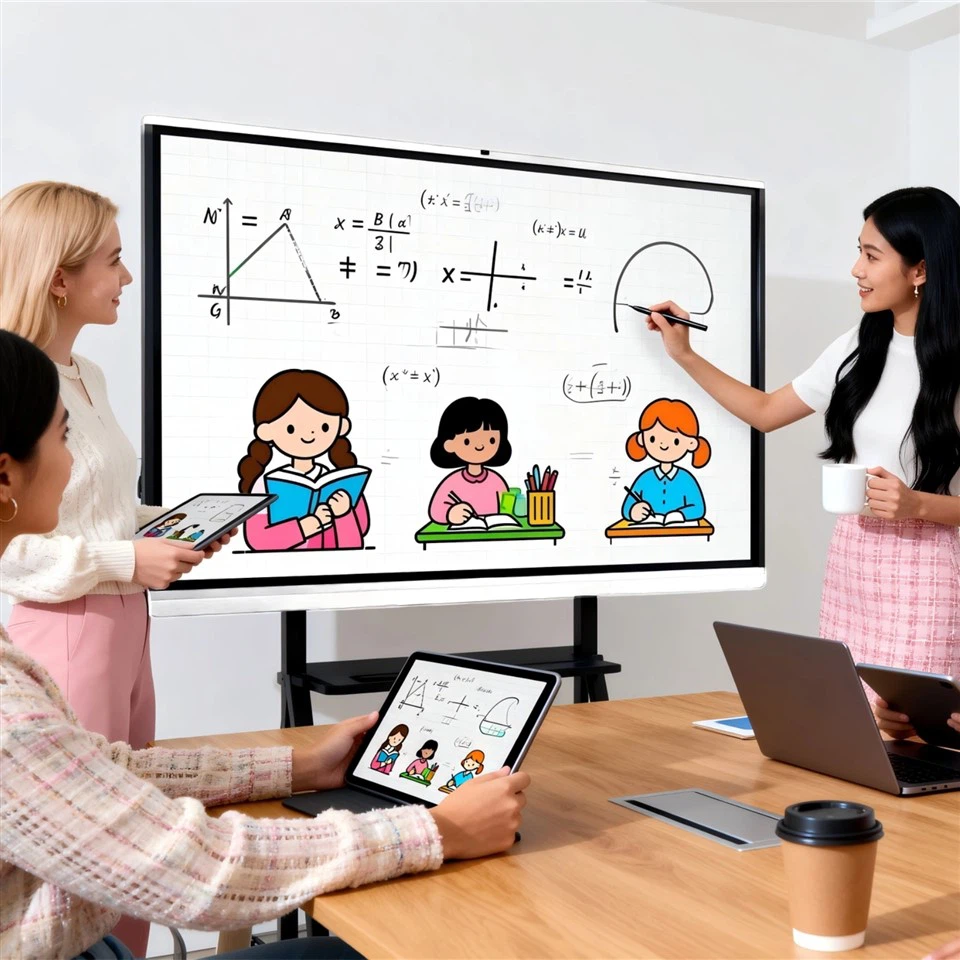
In math and science classes, teachers can use the board to solve problems interactively, with students coming up to the board to collaborate on solutions. Here is a video of a student using a smartboard to solve a math problem.
Integration with External Projectors
Smart Boards can work with projectors to display content from computers, making it useful for showing PowerPoint presentations, videos, or other learning materials.
Simple Gamified Learning Activities
Teachers can use interactive tools to turn lessons into games where students drag and drop items or select answers, helping with subjects like language learning or geography.
Teacher-Led Demonstrations
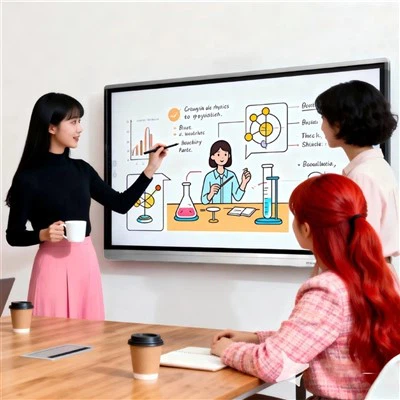
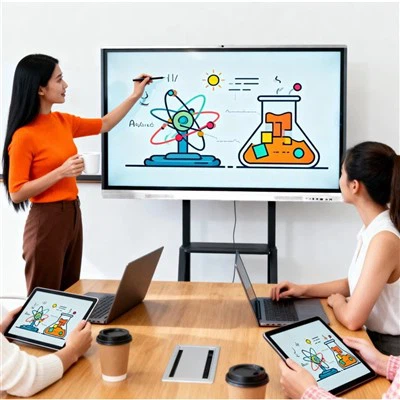
Smart Boards allow teachers to lead lessons while annotating or drawing diagrams, such as in science experiments or history timelines.
Interactive Storytelling
In elementary schools, Smart Boards can be used for interactive storytelling where students participate by dragging characters or elements into the narrative.
Shipping

We are one of the most reliable smart board for teaching manufacturers and suppliers in China, specialized in providing high quality products with low price. We warmly welcome you to buy discount smart board for teaching made in China here from our factory.
indoor commercial display, Education Interactive Whiteboard, Smart Digital Board for Teaching