1. Writing and Annotation
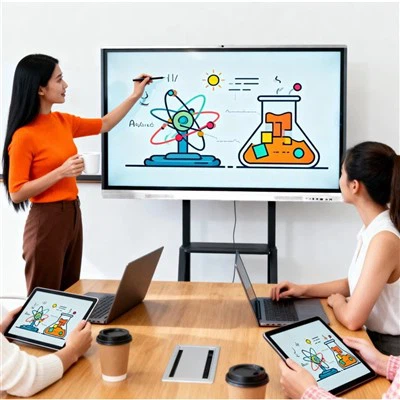
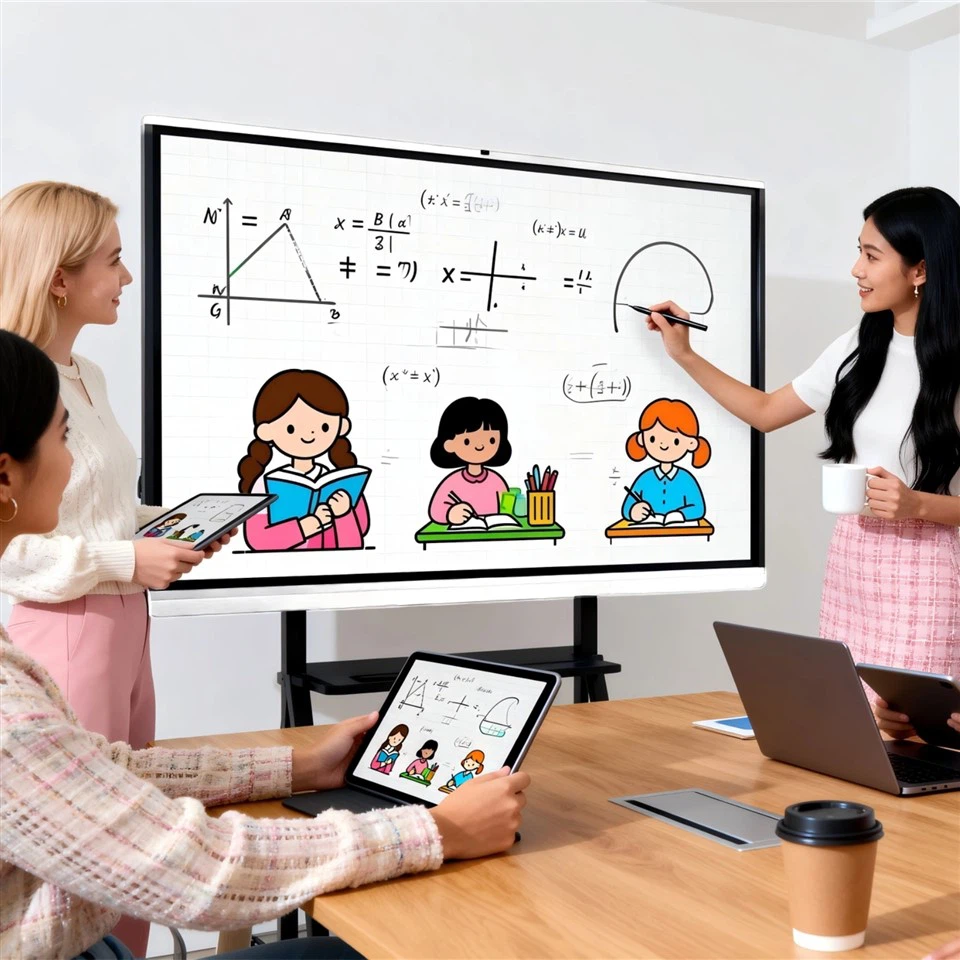
Writing is particularly important in meetings or classrooms. After opening the whiteboard app, users can choose from different pen colors for writing or drawing diagrams. If a mistake is made, the eraser tool can be used to erase it. Some devices also support gesture recognition, such as erasing with a palm.
2. File Presentation and Editing
Users can import files such as documents, images, or videos via USB or wireless transmission. During presentations, they can mark up or annotate directly on the file. Once completed, the file can be saved to the device or exported to an external storage device.
3. Screen Sharing and Collaboration
Smart tablets support screen sharing, allowing users to project content from other devices (such as laptops or tablets) onto the tablet. Using the wireless screen mirroring protocol, multiple users can take turns presenting content and collaborate in real time. If the connection is unstable, checking the network settings or restarting the device often resolves the issue.