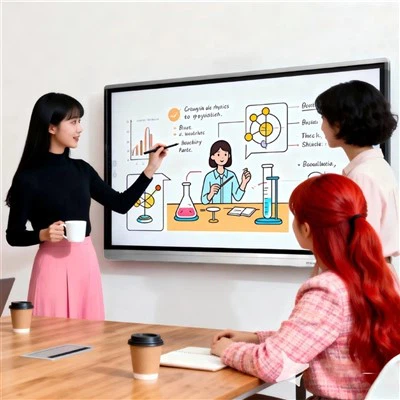
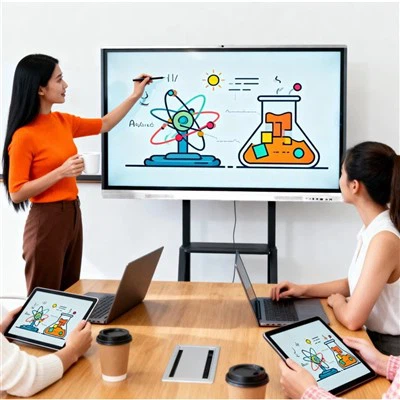
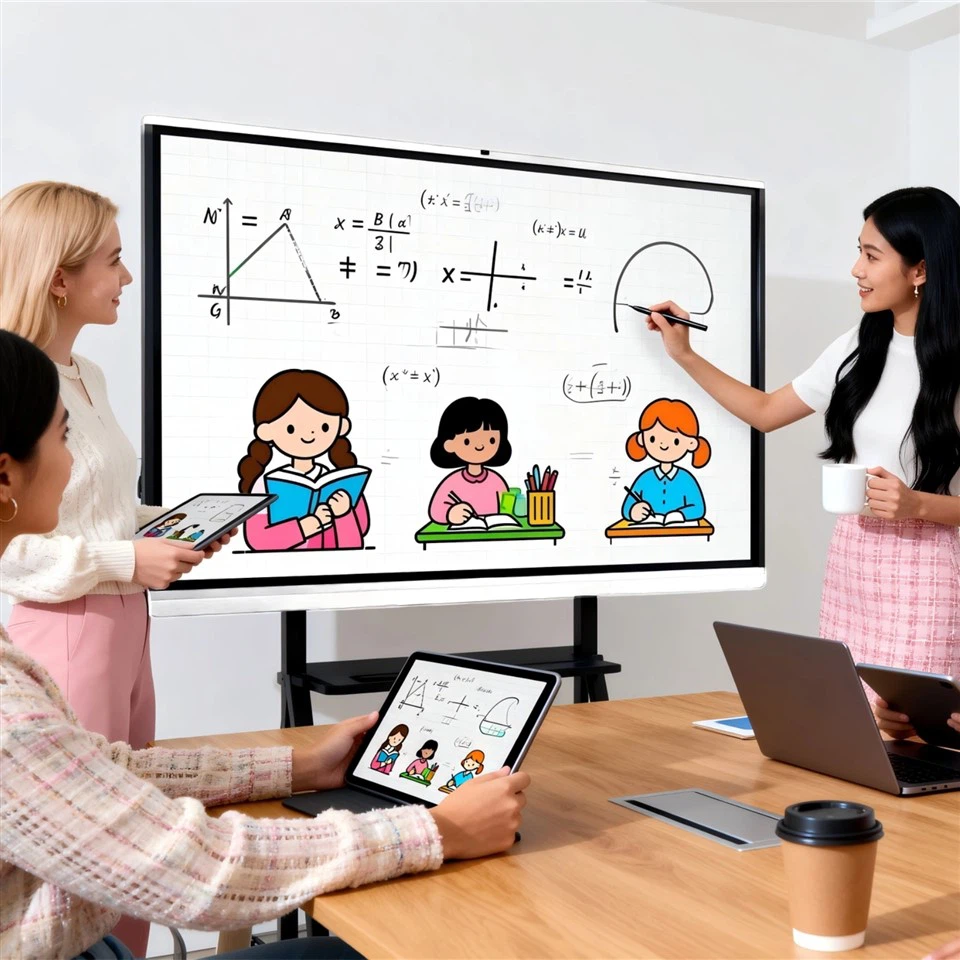
📚 Electronic whiteboard writing function
- The handwriting recognition is incredibly accurate, making writing as smooth as writing on paper, with absolutely no lag!
- From marking to drawing, there are tons of practical tools to easily meet various needs.
- Oh, and you can also annotate PPTs directly and save them as PDFs, making them super easy to share!
💻 Convenience for meetings and teaching
- The wireless screen projection function is amazing! It connects your phone, computer, or tablet with one click – no more HDMI cables!
- The split-screen function is my absolute favorite. I can whiteboard while viewing a PPT, which doubles the efficiency of discussions!
- It also supports video conferencing, with a built-in camera and microphone, and high-definition, no dropouts, making remote meetings crystal clear!
🔧 Maintenance and care tips
- Remember to clean the screen regularly to prevent dust from affecting the display.
- If you experience lag, try restoring to factory settings. A system restore point can also solve many minor issues.
- In terms of maintenance, if the screen is faulty, it is recommended to find a professional team to handle it and avoid doing it yourself!