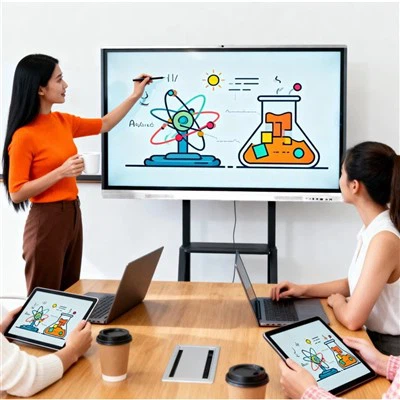
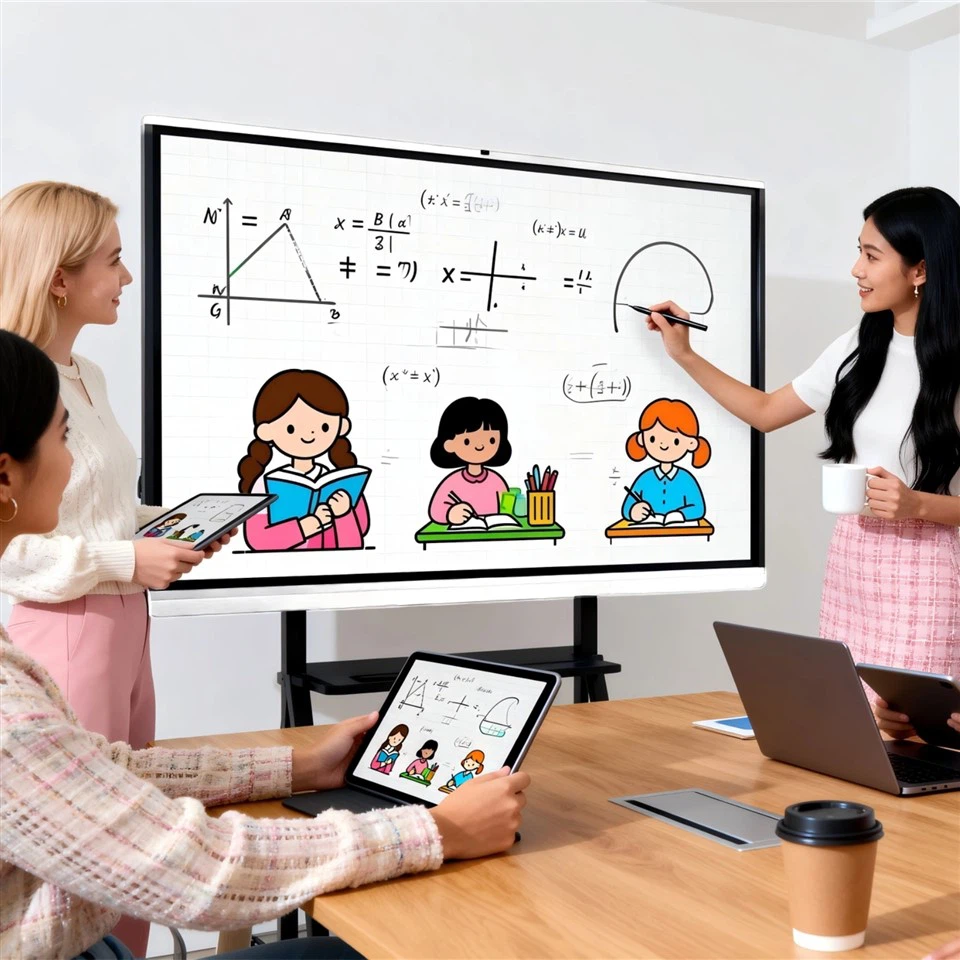
🖥️ Design and Features
- Extra-large screen with multi-touch support for smooth, lag-free writing, recreating the authentic blackboard experience!
- Easily switch between Android and Windows operating systems to meet the needs of different scenarios - it's incredibly convenient!
- The built-in electronic whiteboard allows writing, annotation, and erasing on any page, making operation simple and efficient!
- Easily connect your phone, tablet, or computer with wireless screen projection to share content anytime, anywhere!
🎮 Applications
- Corporate meetings: Present PowerPoint presentations and videos for real-time interaction, doubling efficiency!
- Live teaching: HD video playback with annotation and saving support makes it easy for students to review after class!
- Training scenarios: Multiple people writing simultaneously stimulates team collaboration and enhances training effectiveness!
- Interactive activities: Random roll call and group competitions create a lively atmosphere and enhance participation!
💡 Product Advantages
- High-definition display with anti-glare technology ensures eye-friendly and immersive viewing even after extended use! Multi-party video calls and screen sharing allow you to connect face-to-face even during remote meetings!
- Meeting recordings are automatically saved and available for review at any time, so you never have to worry about missing key points!
- Built-in speakers, wireless screen projection, and stable audio transmission provide a more professional meeting experience!
- Remote control and intelligent management make maintenance easy for IT administrators, reducing operational costs!