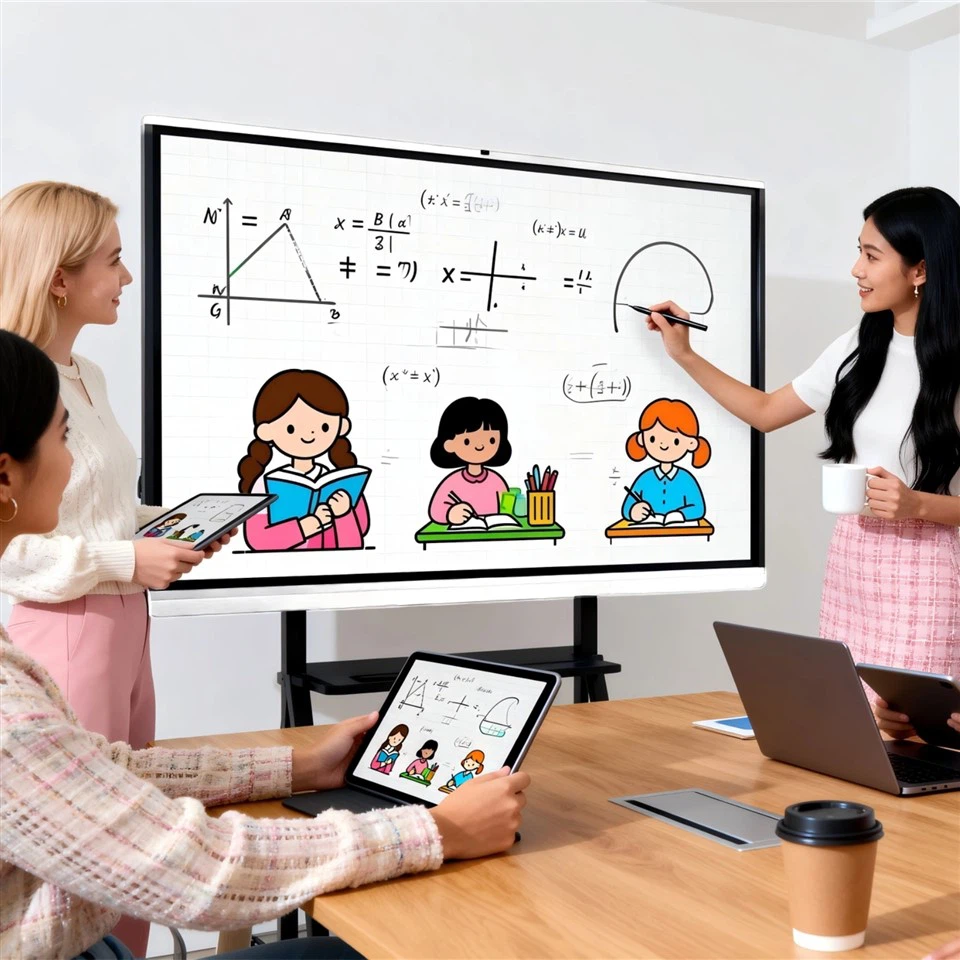
If you've been researching mobile smart displays lately-also often listed as mobile meeting displays, interactive screens on wheels, or portable smart displays-you've probably run into the same situation: the spec sheets all look great. Big size, 4K, plenty of ports, an onboard system, and noticeably different prices. But once the unit is actually used in a classroom, meeting room, showroom, or retail store, the differences show up fast. Some units write smoothly; others lag. Some cast reliably; others drop connections at the worst moment. Some roll steadily; others wobble with the slightest touch.
That's why a growing consensus across the industry is this: buying a mobile smart display can't be done with "spec comparison" alone. The smarter approach is a metric-based acceptance framework, validated through real sample testing.

Demand is changing: the screen is becoming a "mobile collaboration terminal"
In the past, mobile displays often served as a backup-wheel it in, show a PowerPoint, play a video, and you're done. Today the use case is heavier and more integrated.
Classrooms expect writing, annotation, saving, and sharing. Meetings expect wireless casting, multi-device collaboration, and video conferencing. Retail and showrooms expect scheduled content playback, remote publishing, and centralized management across locations.
When one screen is expected to handle display, touch interaction, conferencing, and content distribution, the real value is no longer defined by hardware numbers on paper. It's defined by stability in each workflow step-and by how much time and maintenance the device saves over the long run.


The real gap that spec sheets won't show-usually comes down to five things
Most "pain points" reported after deployment are not mysterious. They tend to fall into five very practical dimensions. If any one of them underperforms, the experience suffers and the device often gets reduced to "just a screen that turns on."
1) Does touch feel responsive? Writing experience is the first gate

For education and collaborative meetings, touch latency, palm rejection, and stability under multi-user input matter more than marketing claims like "supports X touch points." Some products advertise impressive touch-point numbers but struggle during real behaviors-two people writing at once, rapid erasing, zooming, dragging, or switching between tools-resulting in missed touches or drifting.
The most reliable method is simple: don't let the spec sheet decide. Test a sample unit in the real room and write for a few minutes. If teachers or presenters hesitate on first contact, that experience rarely "gets better later."
2) Is it comfortable and clear to view? 4K doesn't automatically mean "readable"
Lighting conditions in classrooms and meeting rooms can be challenging-windows, overhead reflections, glass partitions, and bright retail lighting. In those environments, glare and reflections become the real enemy. Two 4K panels can feel completely different: one looks washed out, another has fuzzy text edges, another shifts color when viewed from the side.
For retail and commercial display use, brightness and consistency matter even more. The same promotional content can look noticeably different across stores if the panel performance isn't stable, which directly impacts brand perception.
3) Is it stable when moving? "Movable" is not the same as "safe and controllable"
The mobility structure is one of the most underestimated areas during purchasing-and one of the most complained-about areas after installation. How smoothly it rolls, whether the brakes hold firmly, how stable the center of gravity feels, whether the lift mechanism wobbles, and whether cable routing prevents trip hazards all affect daily usability.
In schools especially, frequent movement and crowded environments amplify these risks. Many "mobile" screens end up parked permanently in a corner simply because the cart design doesn't feel secure.

4) How high is the connection cost? You're not saving on ports-you're saving time
One of the biggest productivity gains from a mobile smart display is reduced friction in connecting devices. If every meeting starts with searching for adapters, swapping cables, or troubleshooting casting, the device becomes a time sink.
Teams tend to value practical capabilities such as: Type-C one-cable convenience (confirm what functions are actually supported), wireless casting compatibility across Windows/macOS/iOS/Android, multi-device display, host controls, and casting permissions. These are not "nice-to-haves"-they determine whether you lose ten minutes every day to connection issues.
5) Can it be managed at scale? Operations becomes the hidden cost
Managing one or two devices is manageable on-site. Managing dozens across classrooms, floors, or stores is where complexity shows up. Remote power scheduling, device grouping, brightness/volume policies, content scheduling and publishing, permission controls, logs, and fault alerts determine long-term efficiency.
For digital signage deployments, remote publishing is essentially mandatory. For education and meeting environments, governance and controllability often determine whether the IT team will approve the rollout.
A more reliable procurement approach: set scenario weights first, then validate with sample testing
Across the industry, the more mature approach is not "pick the highest spec." It's to define weights by scenario first:
Education tends to prioritize responsive touch, safety in mobility, and classroom flow.
Meetings tend to prioritize casting stability, audio/video experience, and collaboration efficiency.
Commercial display tends to prioritize brightness, content management, and remote publishing.
Once the priorities are clear, ask suppliers to demonstrate and test against your metrics. This avoids endless debate over spec wording and reduces the risk of costly rework after deployment.


Closing: competition is shifting from "hardware stacking" to "experience + management"
The mobile smart display market is still expanding, but the direction is becoming clear: the era of winning purely on specs is fading. What differentiates products now is whether they are easy to use, stable in real workflows, and manageable at scale.
If you're planning mobile smart display deployments for classrooms, meeting rooms, showrooms, or retail environments, it helps to use a simple north star: write smoothly, view clearly, move safely, connect fast, and manage reliably. From there, matching the right product and solution becomes much more straightforward. Suppliers with a broader portfolio-such as Swaydeen (www.swaydeen.com), covering mobile smart displays, education interactive panels, meeting interactive panels, and commercial signage along with scenario-based solutions-are often better positioned to align "scenario → metrics → delivery" into a project that is verifiable and repeatable.