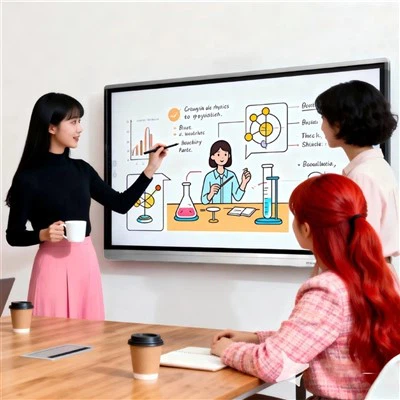
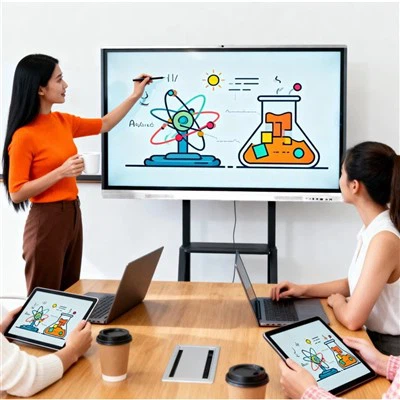
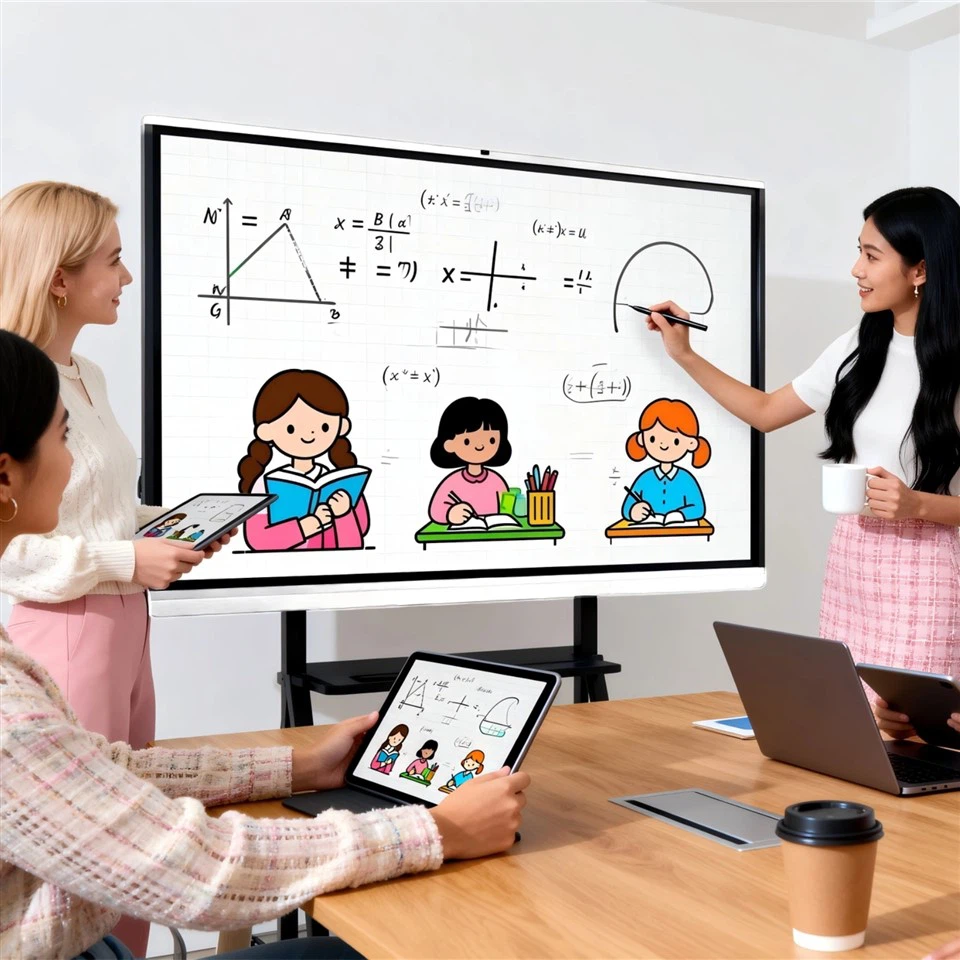
All-in-one conference whiteboards offer integrated functions, efficient collaboration, and intelligent operation, making them suitable for a wide range of scenarios!
📈 Enterprise Meetings
• Remote Video Conferencing: Supports mainstream platforms such as Zoom, Tencent Meeting, and DingTalk, enabling real-time collaboration among teams across multiple locations.
• Local Collaboration: The electronic whiteboard supports handwritten annotations and mind mapping, and wireless projection enables content sharing across multiple devices (mobile, computer, and tablet).
• Client Presentations: 4K HD display and dynamic PowerPoint presentations enhance the professionalism of your proposals.
📚 Education and Training
• Smart Classrooms: Teachers provide interactive lectures via the electronic whiteboard, while students share their work via real-time projection.
• Remote Learning: Supports live and recorded classes, with an AI-powered camera that automatically tracks the teacher's movements.
• Training and Seminars: Collaborative annotation by multiple participants during in-house training sessions, with notes saved by scanning a QR code.
🏥 Medical Consultations
• Telemedicine: Doctors can collaborate with remote specialists via the all-in-one video conferencing device, sharing high-definition annotations of CT/MRI images. Surgical Demonstration: Live broadcast of surgical procedures on a 4K screen, supporting multi-angle switching.
• Case Discussion: Key case information is highlighted on an electronic whiteboard for collaborative treatment plan development.
🏢 Government and Public Services
• Government Meetings: Cross-departmental video collaboration, online review of policy documents, and automatic generation of meeting minutes.
• Emergency Command: Real-time dispatch during disasters/emergencies, integrated display of multi-screen surveillance data.
• Public Service Window: Visualized service guides and touchscreen interaction enhance the citizen experience.
💼 Financial Industry
• Investment Research Meetings: Dynamically project stock charts and analyze market data across multiple screens.
• Remote Account Opening: Integrated customer identity verification and contract electronic signature.
• Risk Control Discussions: Visualized risk model presentation and collaborative team optimization strategies.
🛍️ Retail and Display Scenarios
• In-store Digital Shopping Guides: Interactive display of 3D product models and touchscreen self-service customer inquiries.
• Live Press Conferences: Online and offline integration, real-time interactive chat and data feedback.
• Exhibition Marketing: Dynamic advertising carousels and QR code access to electronic materials.
🏠 Home Education and TV Replacement
• Home TV Replacement: Full touchscreen channel selection, built-in Android or Windows operating system, easily downloading a variety of video websites, games, and music, making the TV more than just a monitor – it can also function as a computer, home karaoke, game console, home theater, and more.
• Supervise Children's Education + Online Courses: Download open-source educational software to supervise children's homework as if they were in the classroom, and project their work directly onto a large screen for easy revision. A built-in camera allows for easy one-on-one online learning. The electronic whiteboard inspires children's drawing potential and allows for easy, dust-free application.