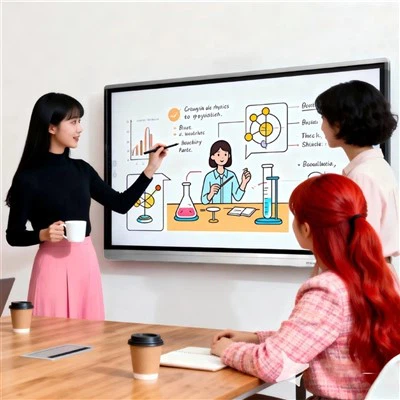
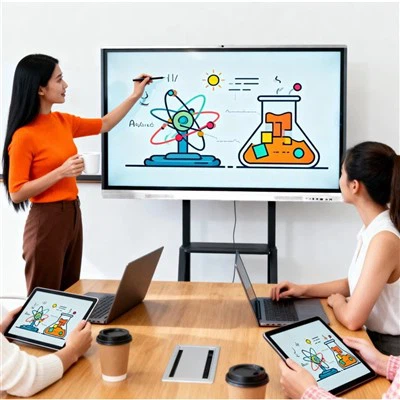
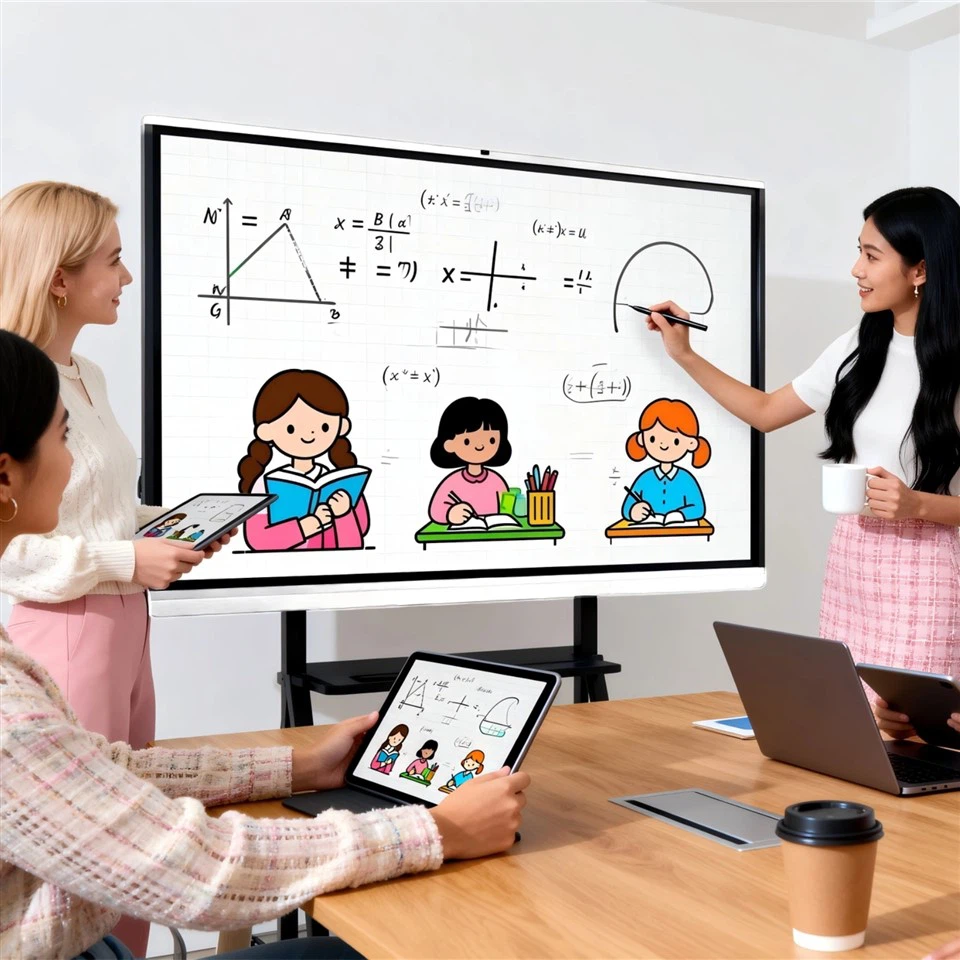
(1) Serves as a projection screen to display multimedia content such as computer videos, PPTs, and images.
(2) Supports touch operation to enable interaction with the computer.
(3) Provides a wealth of teaching assistance functions, including writing, text recognition, annotation, animation, and icon resource libraries.
(4) Enables dust-free teaching and provides a variety of teaching mode options.
(5) Real-time modification, saving, sharing, and playback of courseware resources, making it convenient for teachers and students to use.
(6) Supports screen recording, playback, and sharing, dynamically recording the operation and writing process, and improving the efficiency of courseware use.

 English
- English
- Français
- Deutsch
- 日本語
- Italiano
- Español
- Português
- русский
- Malti
- ไทย
- 한국어
- suomi
- Eesti
- Việt Nam
- فارسی
- Lietuvių
- bosanski
- Čeština
- magyar
- Latviešu
- Ελληνικά
- Indonesia
- বাংলা
- Melayu
- slovenščina
- O'zbek
- Gaeilgenah Éireann
- हिंदी
- Kreyòl Ayisyen
- українська
- عربي
- اردو
- Cymraeg
- Nederlands
- íslenska
- dansk
- Català
- Türkçe
- Polski
- Norsk
- hrvatski
- slovenčina
- Svenska
- România limbi
- Български
- Bai Miaowen
- עברית
- Srbija jezik (latinica)